How to Evaluate Free Educational Websites Before You Use Them
A search for "free multiplication games" or "free phonics worksheets" returns more results than a parent or teacher could sort through in an afternoon. Some of those sites were built carefully by schools, museums, and nonprofits and have run for years. Others are advertising wrappers around a thin pile of worksheets. A few look free until the third click, when a subscription page appears. The difference matters most when a child is sitting alone with a screen, clicking whatever loads first.
You do not need to be a librarian to tell them apart. You need about ten minutes, a skeptical eye, and the same short list of questions every time.
Find Out Who Made It and Why
Before judging a single lesson, find the About page and the contact page. Look for a named organization, a real address, or at least a working way to reach a person. Then ask what the site wants from you. The honest answers are usually one of these:
- A school district, library, or university outreach program publishing for its own community.
- A nonprofit or museum with public education in its mission.
- A company selling tutoring, textbooks, or a premium tier, offering free samples to bring people in.
None of those is automatically bad. A commercial site can still hold solid practice material. But knowing the motive tells you what to watch for. A tutoring company may steer every explanation toward booking a session. A worksheet marketplace may push quantity over quality.
Signs of real editorial care
On a few pages, check whether you can find a named author or subject reviewer, a publication date and a recent update, sources for factual claims, and a way to report an error. A small site run by one retired teacher may have none of these and still be excellent. But hundreds of pages with no names anywhere and copyright dates from a decade ago should be treated as unverified.
Read Two or Three Pages Like a Skeptic
Pick topics you already know well. That is the fastest way to spot trouble. A parent who works in accounting will notice a shaky explanation of interest. A history buff will notice a timeline that skips an inconvenient decade.
For math and science, watch for one method presented as the only method. Careful material says "one way to do this is" rather than "the correct way," and it shows the reasoning, not just the answer. For history and civics, ask whose voices are in the room. Is a contested event presented as settled? Are there primary sources, or only summaries? Bias is rarely announced; it shows up in what gets left out and in the adjectives a writer reaches for. Also notice the mechanics: repeated typos, broken images, and answers that do not match the questions all mean nobody is proofreading.
Count the Ads and Follow the Data
Free usually means donations, ads, or an upsell. All three can be workable, but only if you know which one you are getting.
Open a typical lesson page and count. How many ads appear before the first question? Do any sit inside the content so a child might tap one by mistake? Are there pop-ups or autoplay videos? Ad-heavy pages slow down older laptops and pull attention away from the work, which is the opposite of what you want.
Then check what the site collects. A site that asks for a child's full name, birth date, and school before showing anything deserves a second look. Read the privacy policy, or at least the sections on what is collected, who it is shared with, and how to delete an account. If the free tier runs out after a few worksheets, that is a trial, not a free resource. If you are unsure how privacy rules apply to a child in your area, ask a school administrator or a qualified professional rather than guessing.
Test It on Your Actual Device and Learner
What works on a fast laptop may fail on a school Chromebook, a phone, or a slow connection. Try the site the way it will really be used.
- Can you reach everything with a keyboard, not just a mouse or touchscreen?
- Do videos have captions and transcripts?
- Is there enough contrast to read comfortably, and does text resize without breaking the layout?
- Do images have alternative text for screen readers?
- Does anything require a download, a printer, or an account before you can see content?
None of this is optional for a learner with a disability, and all of it helps everyone else. A site that fails badly here will cause frustration every week.
Judge Age Fit Beyond the Grade Label
"Grades 3-5" covers a wide range of readers. Read a sample page aloud and listen. Does the vocabulary match your learner? Does the site explain a wrong answer kindly, or buzz and move on? Look at the reward system too. Points, coins, and streaks can motivate, but they can also turn practice into a slot machine. Ask whether a child can stop at a natural point. And check the social features: comments, chat, public profiles, and leaderboards with real names create risks that have nothing to do with learning.
A Ten-Minute Checklist
- Named people or organization behind the site, with a working way to make contact.
- Content reviewed by someone with subject knowledge.
- Claims you can verify on a topic you know.
- Balanced treatment of contested topics and multiple methods.
- Ads clearly labeled, few, and outside the learning area.
- Clear privacy policy and no unnecessary personal data from children.
- Keyboard access, captions, contrast, and readable text.
- Reading level and tone suited to your learner.
- Works on the device and connection you actually have.
If a site misses one or two items, it may still be worth using with supervision. If it misses five, close the tab.
Try It Small, Then Decide
Do not reorganize a whole unit around a new site. Use it for one lesson, one homework night, or one rainy afternoon, and watch what happens. Does the learner ask to go back? Did you spend more time troubleshooting than teaching? Write a one-line note somewhere you will find it again: what worked, what annoyed you, what to try next time.
Keep a shortlist of three or four sites that passed the test, and revisit it once a term. Free resources change hands, add advertising, and quietly disappear. A little checking at the start saves a lot of frustration later, and it teaches the learners watching you that not everything online deserves their attention.
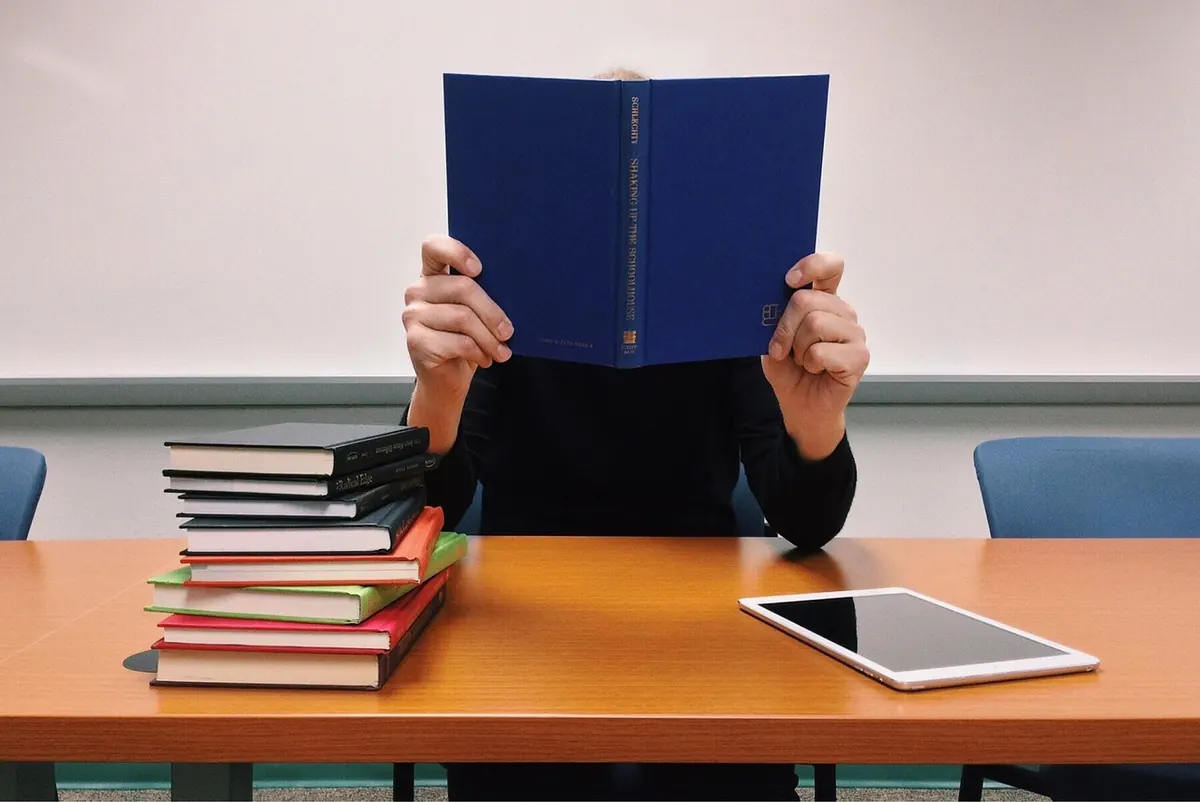
Photo: sarangib / Pixabay
In-Person vs Online Tutoring: A Comparison for Busy Families
A practical comparison of in-person and online tutoring for busy families, covering engagement,...

How to Find a Tutor for Your Child: A Parent's Beginner Guide
A practical guide to choosing a tutor: defining the problem, comparing options, asking the right...
About Us